
Logging In
The Grow Social Capital website uses a custom login page with the organisation’s branding. Follow the steps below to access your account.
How to log in
Section titled “How to log in”-
Go to the login page
Open your web browser and go to:
growsocialcapital.org.uk/wp-admin
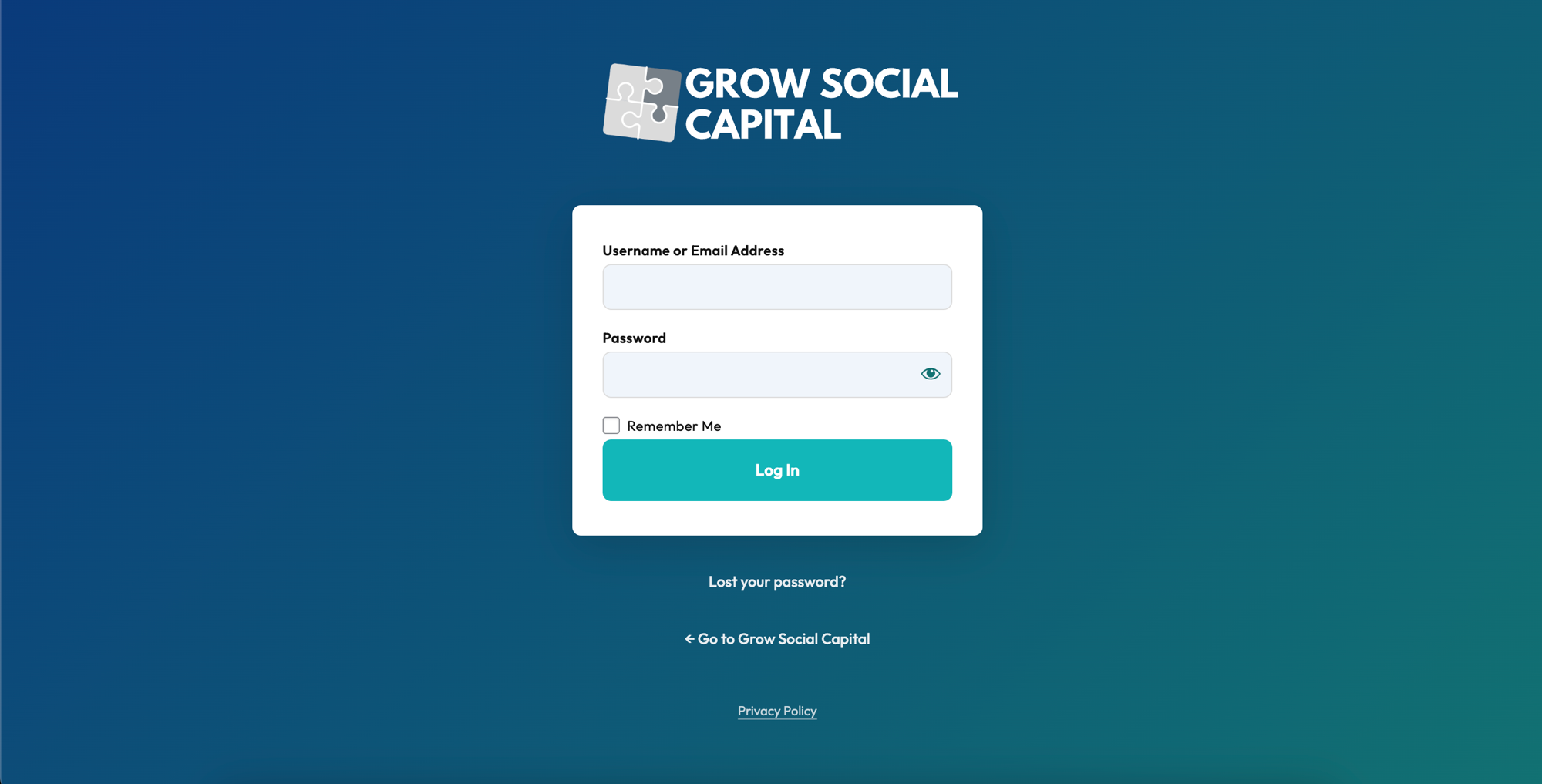
You will see the Grow Social Capital login page with the logo at the top and a login form below it.
-
Enter your username or email address
Click the Username or Email Address field and type in your credentials. You can use either your username or the email address associated with your account.
-
Enter your password
Click the Password field and type your password. You can click the eye icon on the right of the field to show or hide your password as you type.
-
Click Log In
Click the Log In button. If your details are correct, you will be taken to your WordPress dashboard.
Remember Me
Section titled “Remember Me”Tick the Remember Me checkbox before logging in if you are on a personal device and want to stay logged in between sessions.
Trouble logging in?
Section titled “Trouble logging in?”If your login details are not working:
- Double-check your username and password — passwords are case-sensitive
- Make sure Caps Lock is not on
- If you have forgotten your password, see Reset Your Password
- If you believe your account has been locked or removed, contact the website administrator
Page last updated at 20 April 2026 20:46 by Sarah Tamsin