
Navy Blue
#0a3a7b
Primary brand colour. Used for headings, the header bar, and key UI elements.
This page documents the official Grow Social Capital brand. Use these guidelines whenever creating or updating any materials — digital or print — to ensure a consistent look and feel.
The Grow Social Capital palette is built around navy blue and teal, with supporting colours for backgrounds, text, and accents.
Navy Blue
#0a3a7b
Primary brand colour. Used for headings, the header bar, and key UI elements.
Teal Cyan
#12b6b8
Accent colour. Used for links, buttons, highlights, and active states.
Deep Teal
#117172
Supporting accent. Used for button hover states and gradient pairings with teal cyan.
Golden Yellow
#deab02
Highlight colour. Used for link hover states and call-to-action emphasis.
White
#FFFFFF
Page background and text on dark backgrounds.
Very Light Blue Grey
#F0F5FA
Sidebar and section backgrounds. Subtle, cool-toned off-white.
Near Black
#111111
Primary body text colour. Softer than pure black for comfortable reading.
| Colour | Use for | Do not use for |
|---|---|---|
Navy Blue #0a3a7b | Headings, header bar, primary UI | Body text on white backgrounds |
Teal Cyan #12b6b8 | Links, buttons, icons, active states | Large background areas |
Deep Teal #117172 | Hover states, gradient pairs | Standalone text |
Golden Yellow #deab02 | Link hover, highlights, callouts | Primary buttons or headings |
Near Black #111111 | Body text, paragraphs | Backgrounds |
White #FFFFFF | Backgrounds, text on dark | Text on light backgrounds |
Light Blue Grey #F0F5FA | Page sections, sidebar, cards | Text |
All text — headings and body — uses the Outfit typeface. Outfit is a clean, modern sans-serif that works well across all sizes and weights.
If you need Outfit for your own use, you can download and install it on your computer. Once installed, Outfit will be available in Microsoft Word, PowerPoint, Excel, and any other application that uses your system fonts — making it easy to keep documents and presentations on-brand.
On the Google Fonts page, click “Download family” in the top right corner to get the zip file. Unzip it and double-click the font files to install them on your computer.
Headings use Outfit at weight 700 (Bold) and are set in Navy Blue (#0a3a7b).
| Element | Size | Weight | Colour |
|---|---|---|---|
| H1 | 50px | 700 | Navy Blue |
| H2 | 40px | 700 | Navy Blue |
| H3 | 30px | 700 | Navy Blue |
| H4 | 24px | 700 | Navy Blue |
| Property | Value |
|---|---|
| Font | Outfit |
| Size | 20px |
| Weight | 400 (Regular) |
| Colour | Near Black (#111111) |
| Link colour | Teal Cyan (#12b6b8) |
| Link hover colour | Golden Yellow (#deab02) |
The Grow Social Capital logo is available in two versions.
| Version | When to use |
|---|---|
| Full colour | Light backgrounds — white, very light blue grey |
| White | Dark backgrounds — navy, teal, dark photography |

✓ Full colour logo on white

✓ White logo on navy
✗ Full colour logo on dark — do not do this
✓ Full colour logo on light blue grey
Always use the high-resolution or SVG version of the logo. A low-resolution or poorly scaled image will appear blurry and unprofessional.
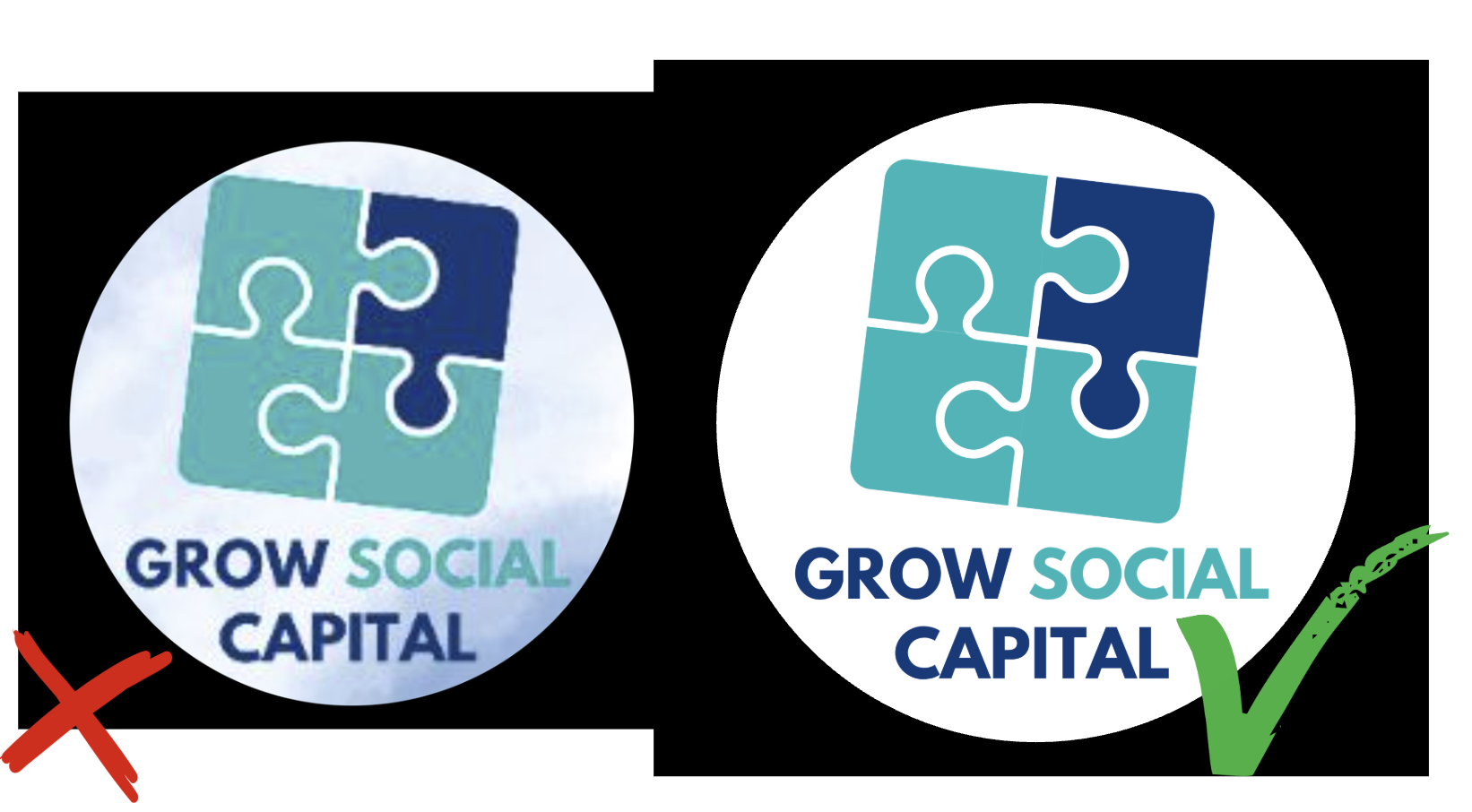
✗ Low resolution — blurry and unprofessional | ✓ High resolution — sharp and clear
When uploading the logo anywhere, use the SVG files from the SharePoint folder where possible — SVGs stay sharp at any size.
Additional logo files are available in the shared folder, including square versions and the icon-only version (without text):
Do:
Don’t:
Page last updated at 20 April 2026 20:46 by Sarah Tamsin